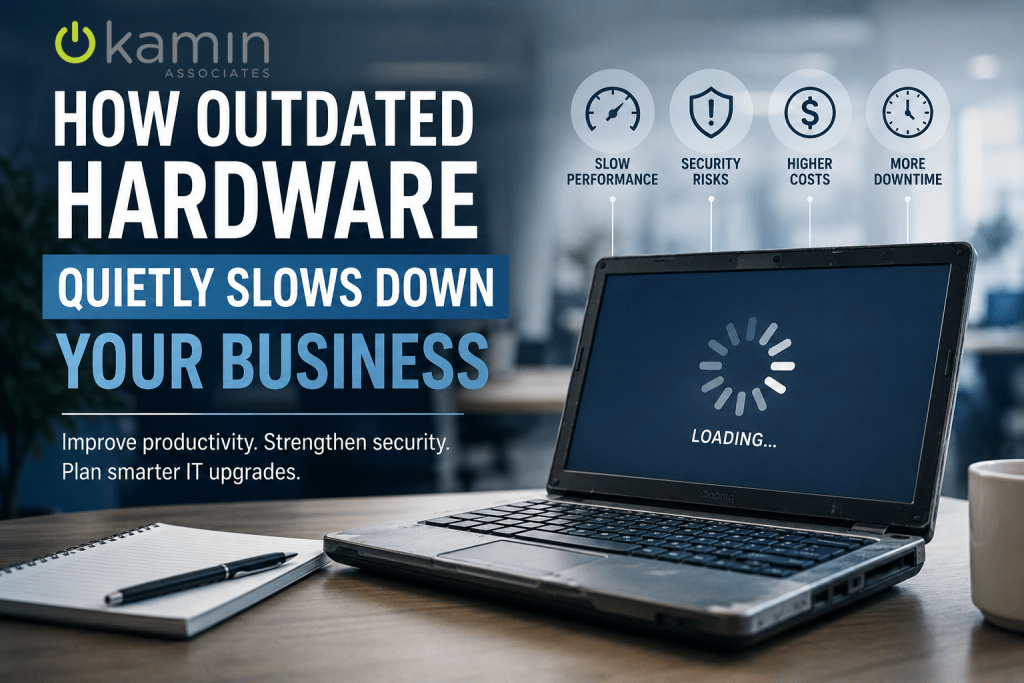
Technology plays a role in nearly every part of modern business operations. Employees rely on computers, servers, networking equipment, and cloud applications to communicate, collaborate, and complete daily tasks efficiently. But while many businesses invest in software upgrades and cybersecurity tools, they often overlook one critical piece of the puzzle: the hardware powering everything behind the scenes.
Outdated hardware does not always fail dramatically overnight. More often, it slowly reduces productivity, increases downtime, creates security vulnerabilities, and drives up IT costs over time. Many businesses simply adapt to slower systems without realizing how much those aging devices are costing them every day.
Understanding the hidden impact of outdated technology can help businesses make smarter decisions about their IT infrastructure and long-term growth.
The Productivity Cost of Slow Technology
One of the biggest issues caused by outdated hardware is reduced employee productivity. Older computers and servers typically process information more slowly, struggle with modern applications, and create frustrating delays throughout the workday.
Employees may experience:
- Slow startup times
- Lagging applications
- Delayed file transfers
- Frequent freezing or crashes
- Poor video conferencing quality
- Long loading times for cloud-based software
While each delay may seem minor on its own, those interruptions add up quickly across an entire workforce. Even losing just 10 to 15 minutes of productivity per employee each day can result in significant lost time and revenue over the course of a year.
In many cases, businesses become accustomed to these slowdowns and treat them as normal. However, modern hardware can dramatically improve speed, efficiency, and overall workflow performance.
Aging Hardware Creates Security Risks
Cybersecurity is another major concern when using outdated technology. Older hardware often cannot support the latest security updates, operating systems, or advanced cybersecurity tools that modern businesses need.
Once hardware reaches end-of-life status, manufacturers may stop providing:
- Firmware updates
- Security patches
- Driver updates
- Compatibility support
This leaves businesses vulnerable to cyberattacks, ransomware, and data breaches. Cybercriminals frequently target outdated systems because they are easier to exploit.
For example, unsupported devices may:
- Lack modern encryption capabilities
- Run outdated operating systems
- Fail to support multi-factor authentication tools
- Create vulnerabilities within the network
Even if a business invests in strong cybersecurity software, outdated hardware can still create weak points that put sensitive company and customer data at risk.
Cloud Applications Still Depend on Good Hardware
Many companies assume moving to the cloud eliminates the need for hardware upgrades. While cloud services reduce reliance on on-site servers, employee devices and networking equipment still play a major role in performance.
Cloud applications like Microsoft 365, CRMs, accounting software, and collaboration tools require reliable hardware and stable network infrastructure to function properly.
Outdated laptops, desktops, firewalls, and switches can lead to:
- Slow cloud application performance
- Dropped video calls
- Syncing issues
- Connectivity problems
- Reduced remote work efficiency
Businesses often blame internet providers or software vendors when the real issue is aging infrastructure within their own environment.
As remote and hybrid work continue to grow, maintaining modern hardware becomes even more important for supporting employee productivity and communication.
Downtime Becomes More Frequent and More Expensive
Older hardware is simply more likely to fail. Hard drives wear out, components overheat, power supplies fail, and outdated equipment becomes increasingly unreliable over time.
Unexpected downtime can impact:
- Customer service
- Sales operations
- Internal communication
- File access
- Business continuity
Even a short outage can disrupt an entire workday. For businesses that rely heavily on technology, downtime may also damage customer trust and delay important projects.
In addition to lost productivity, emergency repairs are often far more expensive than planned upgrades. Businesses may end up paying premium rates for urgent support, temporary fixes, or replacement parts that are difficult to find for older systems.
A proactive hardware replacement strategy helps businesses avoid these costly surprises.
Repair Costs Eventually Outweigh Replacement Costs
Many organizations continue repairing aging equipment because replacing it feels like a larger upfront expense. However, older hardware often becomes more expensive to maintain over time.
Businesses may experience:
- Increasing repair frequency
- Higher support costs
- Reduced warranty coverage
- Limited compatibility with modern software
- Difficulty sourcing replacement parts
Eventually, the cost of repeated maintenance exceeds the value of simply upgrading the equipment.
There is also an opportunity cost involved. Employees working on outdated devices are often less efficient, which affects productivity across the organization.
Rather than waiting for systems to fail completely, businesses benefit from planning hardware upgrades before reliability becomes a major issue.
Signs Your Hardware May Be Reaching End-of-Life
Not every slow computer needs immediate replacement, but there are several warning signs that indicate hardware may be nearing the end of its useful life.
Common indicators include:
- Devices older than 5 years
- Frequent crashes or freezing
- Slow startup and login times
- Inability to run updated software
- Unsupported operating systems
- Loud fan noise or overheating
- Recurring repair issues
- Poor battery performance on laptops
- Network bottlenecks and connectivity problems
If employees regularly complain about technology performance, it may be time to evaluate whether outdated hardware is contributing to the problem.
The Importance of a Hardware Refresh Strategy
Instead of replacing technology only after failures occur, businesses should develop a structured hardware refresh plan.
A hardware refresh strategy helps organizations:
- Predict future IT expenses
- Reduce unexpected downtime
- Improve cybersecurity
- Maintain employee productivity
- Ensure software compatibility
- Support long-term business growth
Many businesses replace devices on a staggered schedule to avoid large one-time expenses. For example:
- Laptops and desktops every 3 to 5 years
- Servers every 5 to 7 years
- Networking equipment based on performance and support lifecycle
A planned approach creates more predictable budgeting while keeping systems modern and reliable.
Managed IT Services Help Businesses Stay Ahead
For many businesses, tracking hardware lifecycles and infrastructure planning can be difficult without dedicated IT resources. Managed IT providers help organizations monitor technology performance, identify aging equipment, and recommend proactive upgrades before problems escalate.
A managed IT partner can assist with:
- Hardware assessments
- Lifecycle planning
- Performance monitoring
- Vendor management
- Security compliance
- Budget forecasting
- Infrastructure upgrades
This proactive approach helps businesses reduce downtime, improve security, and maintain efficient operations without constantly reacting to technology issues.
Final Thoughts
Outdated hardware often creates problems gradually, making it easy for businesses to overlook the true impact on productivity, security, and operational efficiency. Slow devices, recurring repairs, and unsupported systems quietly increase costs and frustration over time.
Modernizing IT infrastructure is not just about having newer technology. It is about creating a more secure, reliable, and productive business environment that supports long-term growth.
By proactively evaluating aging hardware and planning upgrades strategically, businesses can avoid unnecessary downtime, strengthen cybersecurity, and give employees the tools they need to work efficiently.
If your business is experiencing slow systems, recurring technology issues, or aging infrastructure, Kamin Associates can help assess your environment and develop a smarter long-term IT strategy.